Case · Product · 2023

Rock Ticket

A ticketing app for rock fans, with band information, a simple checkout, and shareable tickets. Designed as a project for the Google UX Design Certificate.

Role
UX/UI Designer
Period
June — July 2023
Deliverables
Research, personas, journey map, wireframes, prototypes, and usability tests
Tools
Figma · FigJam · Photoshop · Illustrator
Problem

Rock fans struggle to find information about shows, buy tickets without hassle, and share the experience with other fans.

Solution

An app with full band information, a simpler checkout, and shareable tickets.

Delivery

Completed through the high-fidelity prototype, as a project for the Google UX Design Certificate (Coursera).

01

Context

Rock fans want to know everything about the band before the show, and they don’t want to fight the checkout.

Rock Ticket started as a project for the Google UX Design Certificate on Coursera. The program covers the whole cycle: empathize, define the problem, wireframes, prototypes, and usability testing.

The problem I picked: rock fans can’t find detailed information about shows, find ticket buying complicated, and have few ways to share the experience with other fans. The goal was one accessible platform that handles all of it.

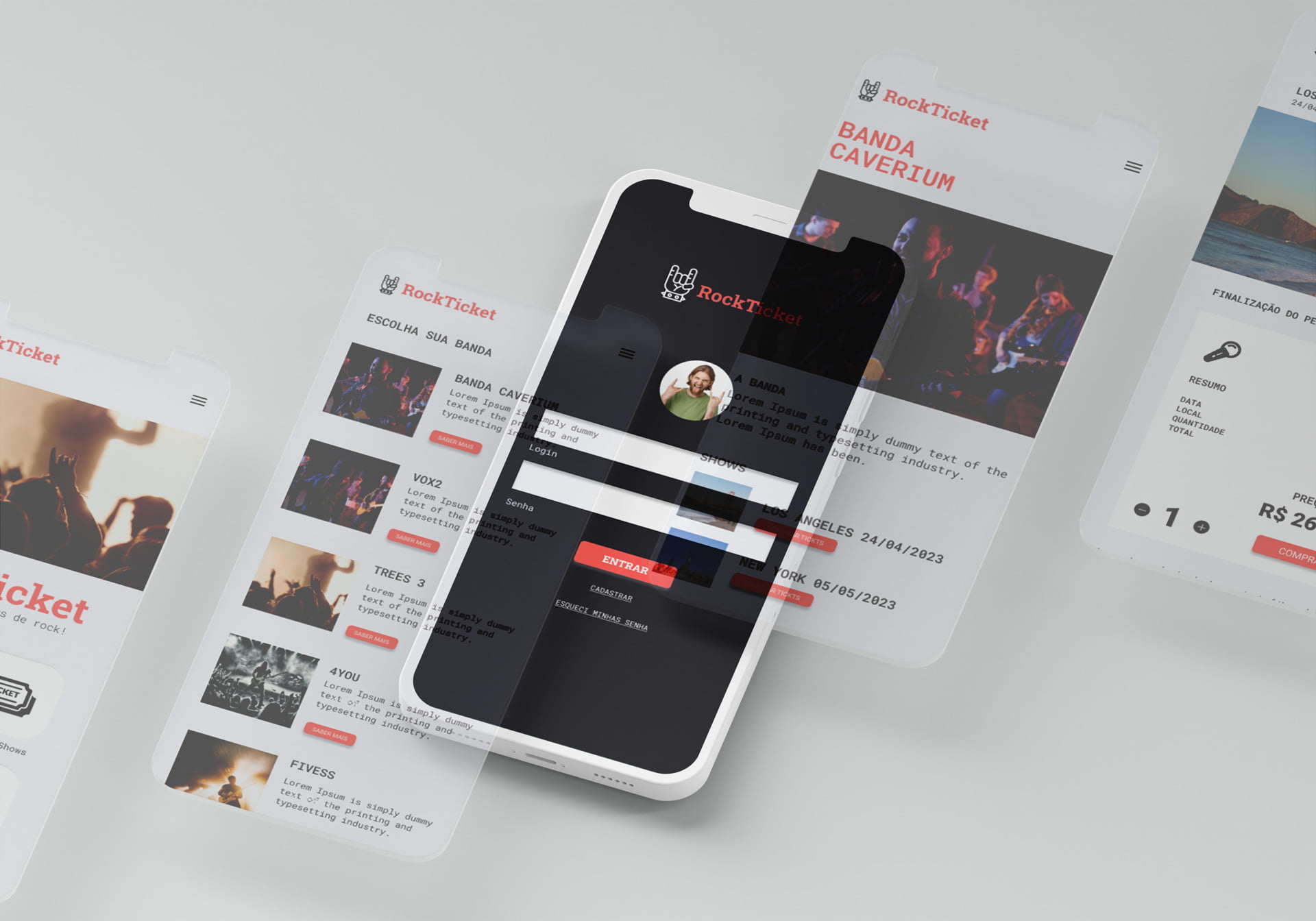
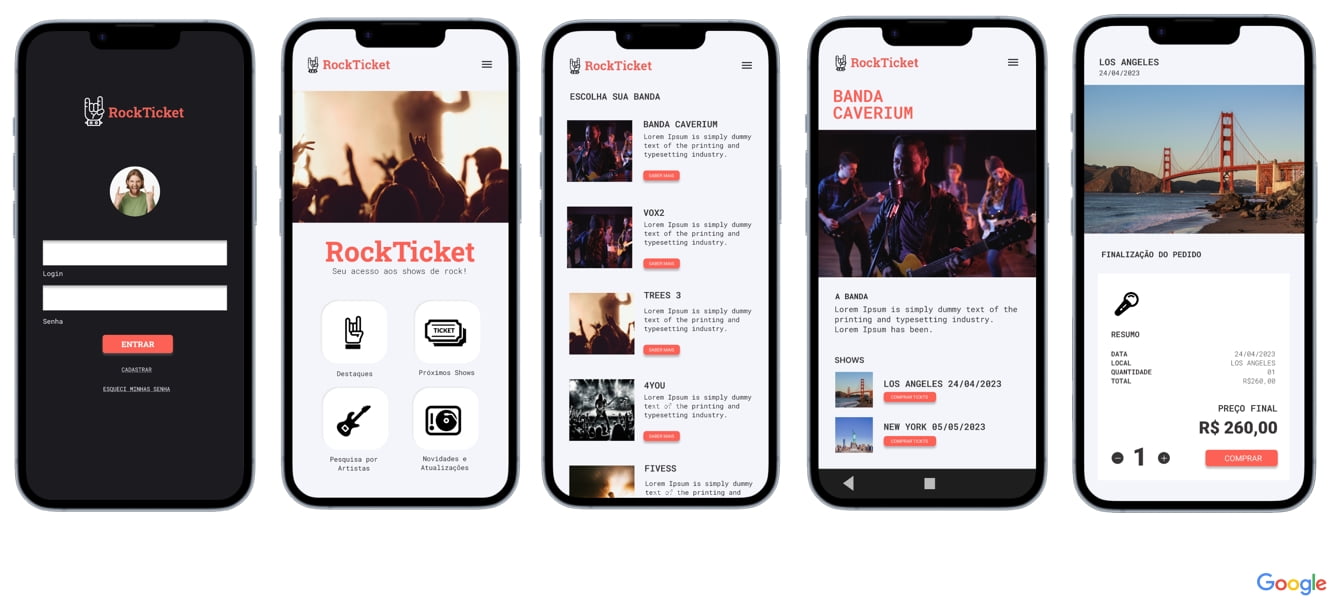
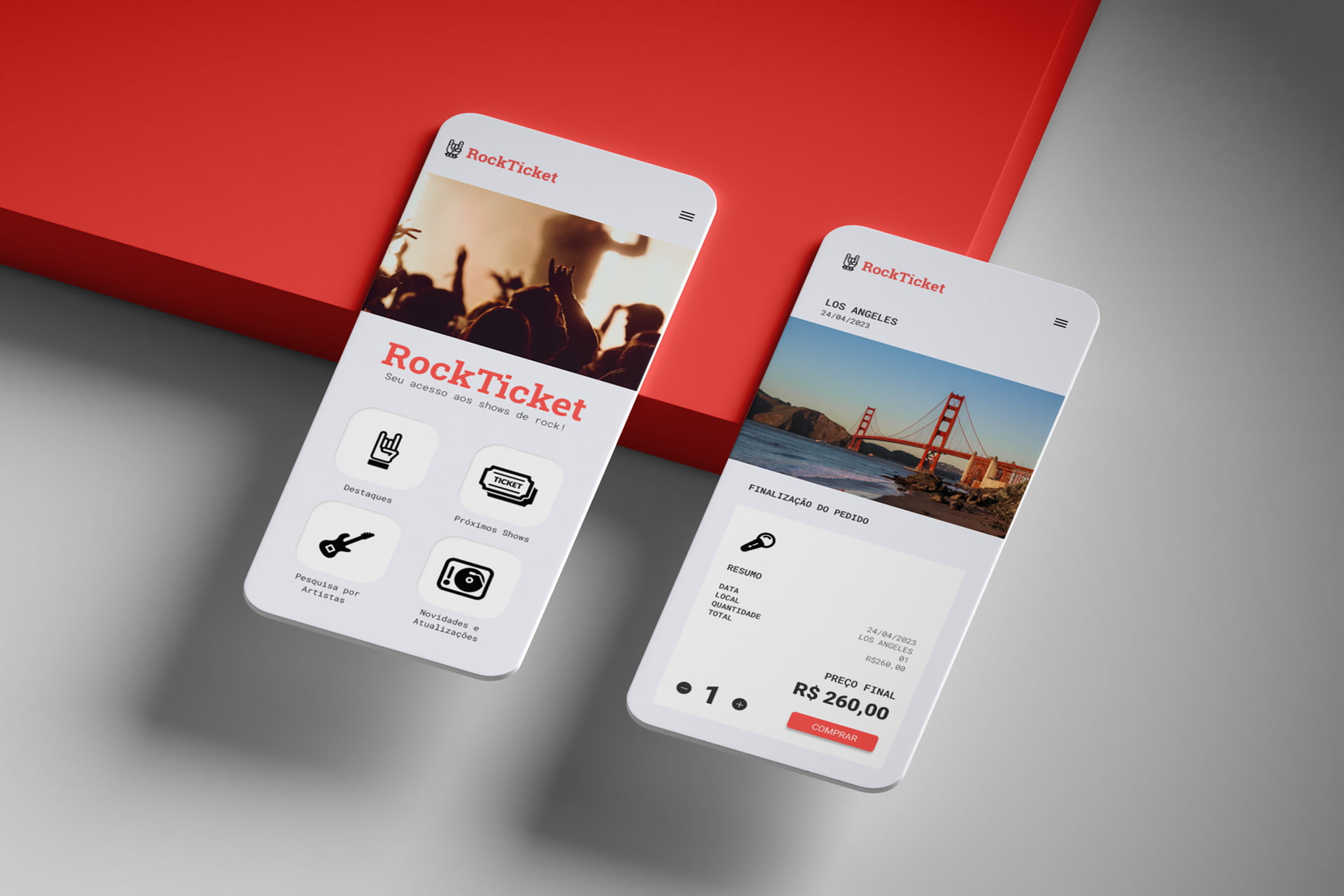
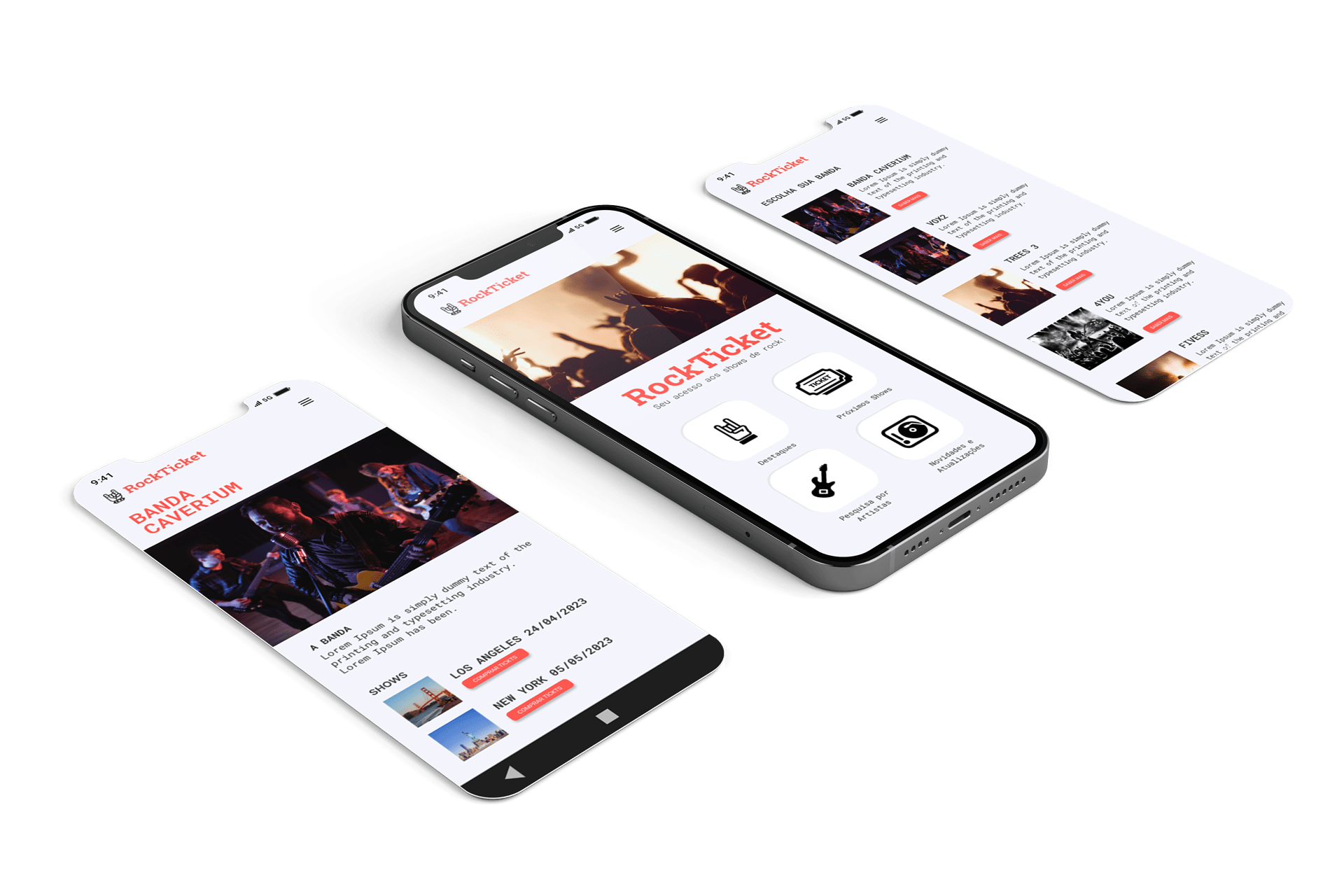
Overview of the ticketing app

Buying the ticket was only part of what fans wanted to solve.

02

Research

I ran interviews with fans of different ages and music tastes, online and in-person surveys, and a competitor analysis.

My starting assumption was that fans mostly wanted to buy fast. Research showed they also care about information on bands, venues, and getting there, and about connecting with other fans around the event.

  • Missing informationbios, discographies, and links to songs are hard to find, which gets in the way of buying
  • Complex checkoutpicking seats and understanding payment options is frustrating
  • Little social interactionfans want to share how they feel at shows, but the features aren’t there
03

Personas

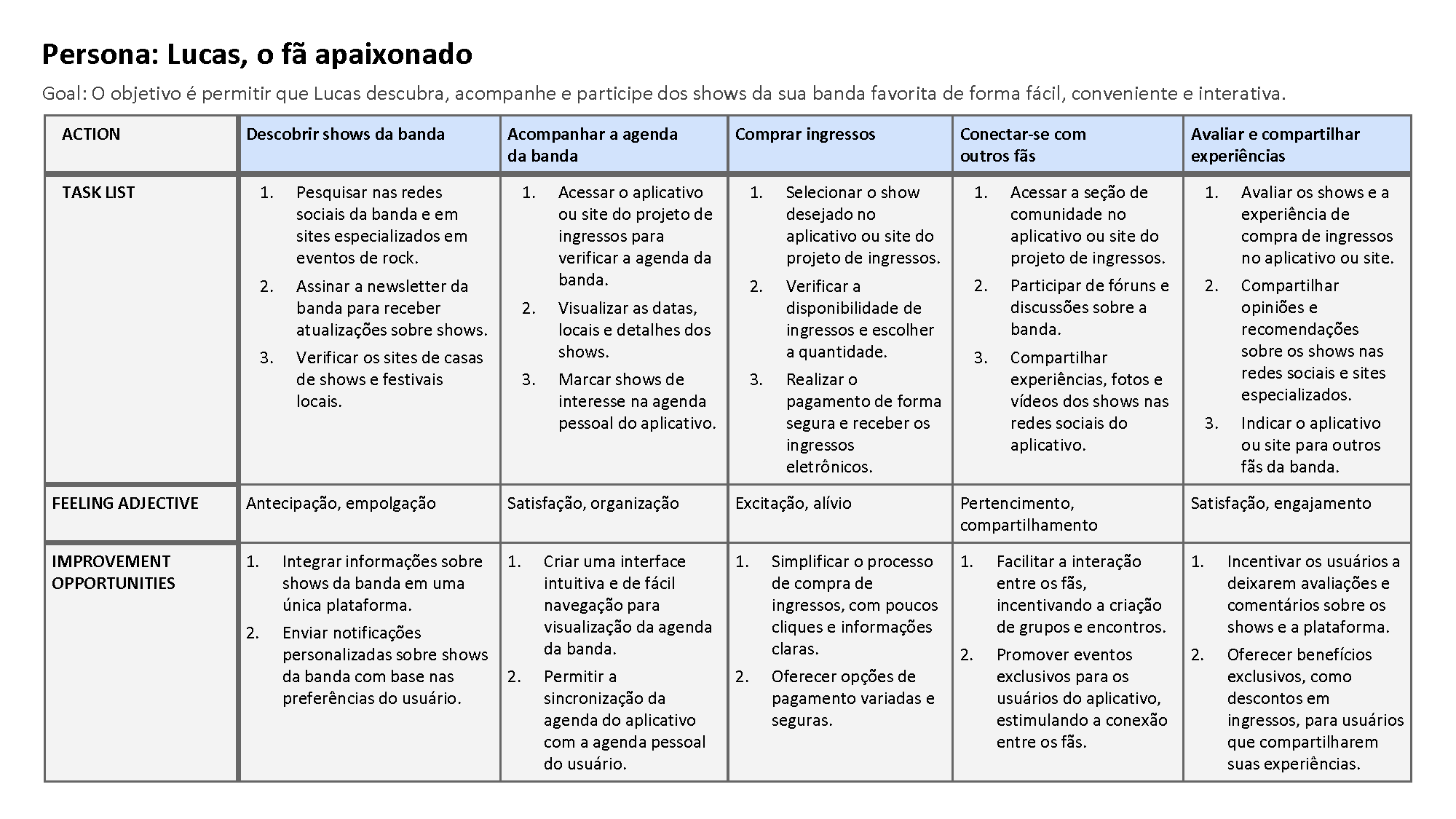
Two personas guided the design. Lucas follows an up-and-coming band, misses shows because he can’t buy tickets early enough, and wants to meet other fans. Ana is a mother and a sales manager. She looks for family-friendly shows nearby and misses ticket sales because she has no time to keep up with announcements.

The question behind the work: how do we offer detailed band information, collectible shareable tickets, and an easy checkout for the casual fan?
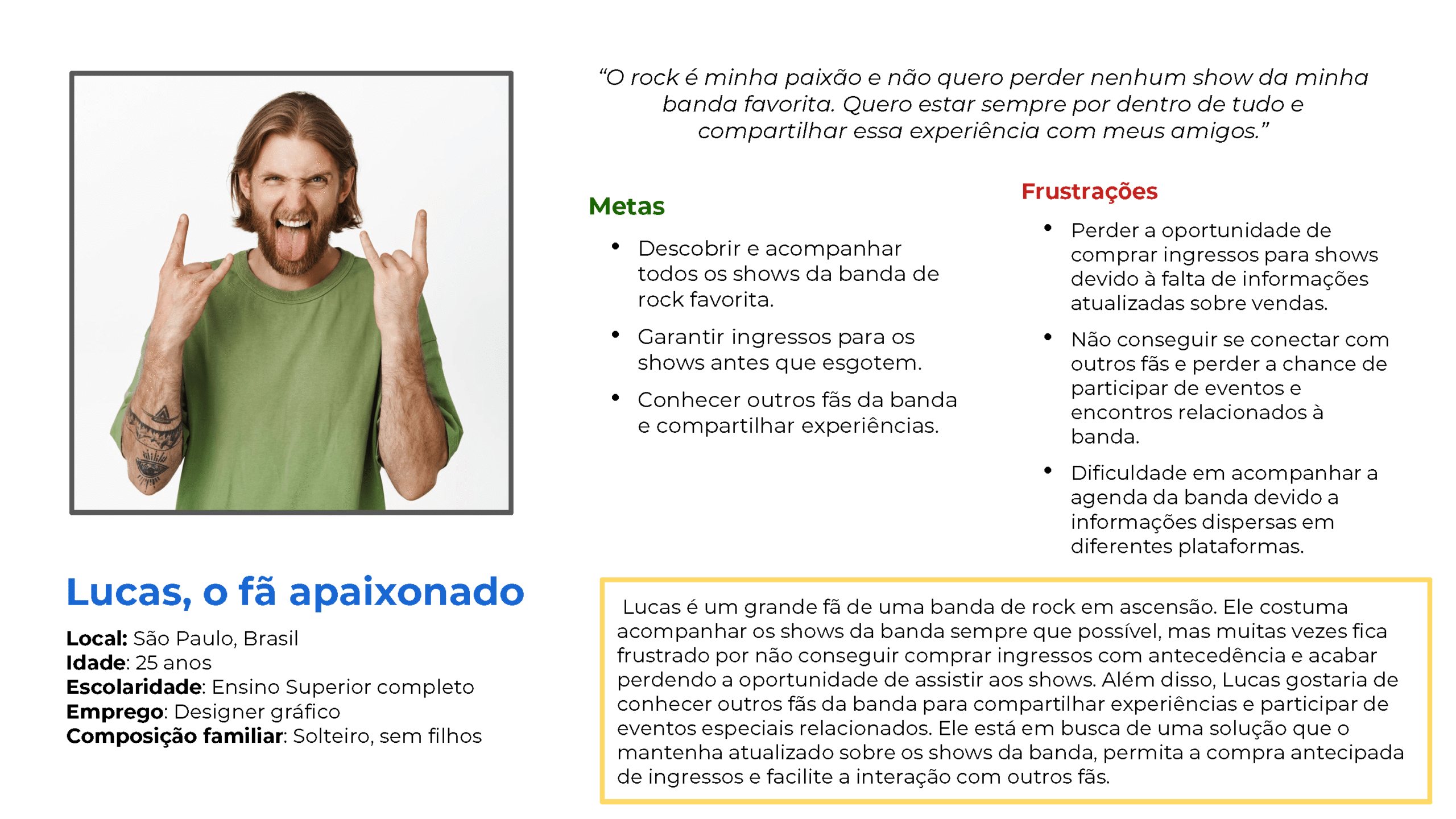
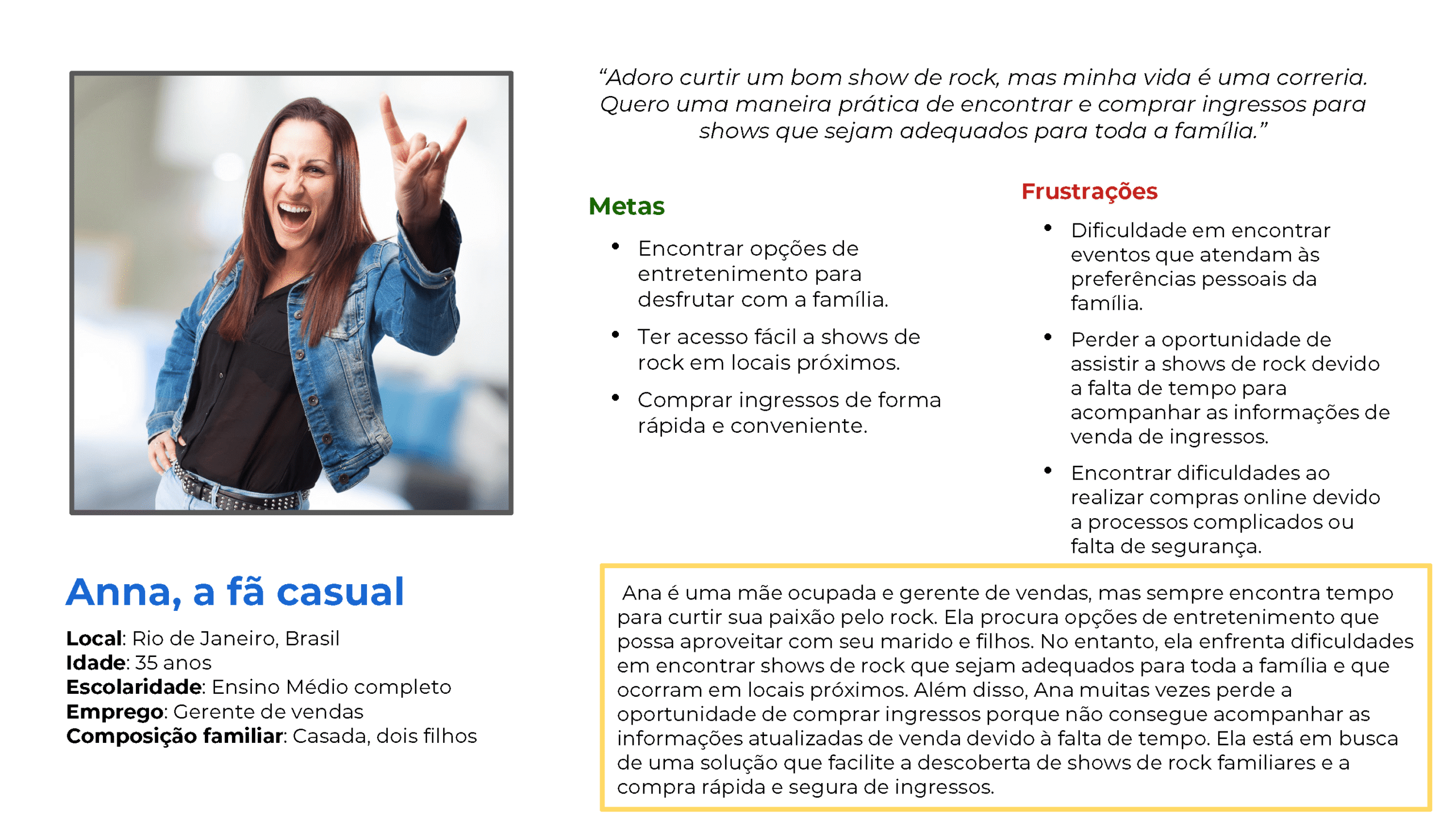
Persona Lucas, fan of an up-and-coming band
Persona Ana, mother and sales manager
04

Journey and market

I built a journey map with every touchpoint in the app, from discovering the show to sharing after the event.

The competitive audit looked at interface, pricing, social features, and band content. Ticketmaster and Eventbrite are established players, but generic. I saw room for a platform built around the rock fan.

User journey map, from discovery to after the show
05

Wireframes

I drew the wireframes digitally to test layouts and features quickly, get feedback from peers and users, and adjust at low cost. They also served as a reference to align the product vision with whoever would build it.
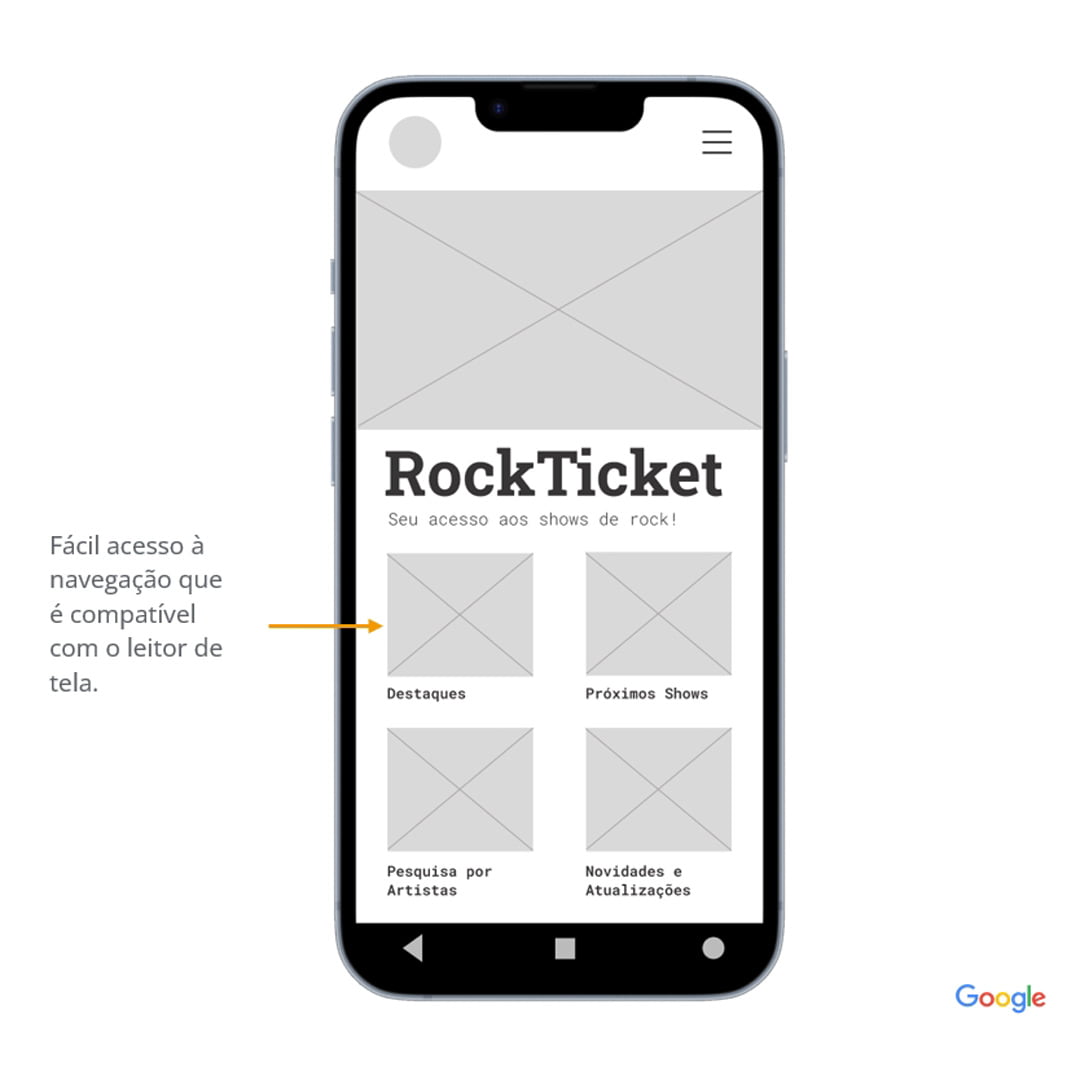
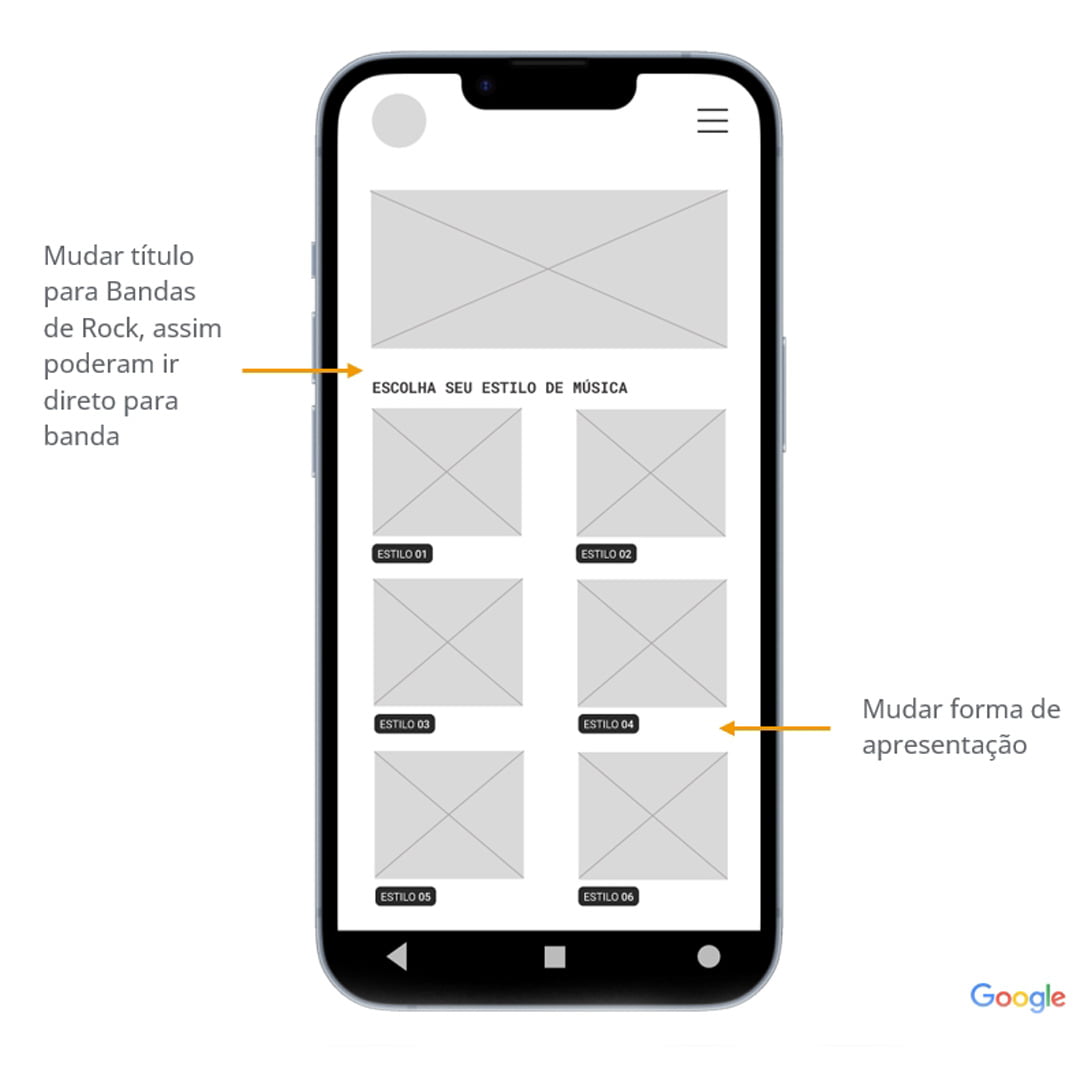
Digital wireframe
Digital wireframe
Digital wireframe, another screen
06

Usability

I ran two usability studies with users who matched the personas. Format: unmoderated and remote, in Brazil, with 10 participants and 30- to 60-minute sessions.

Easy navigation came up as a core need, along with preparing the app for assistive technology.

The second study showed frustration at checkout. To shorten the purchase, I merged the “Current order” and checkout screens into a single “Order summary” screen, which also added a choice between pickup and delivery.

  • Band informationwas still hard to find
  • Ticket sharingusers wanted this feature
  • Checkoutneeded to be more intuitive
Usability study results
07

Prototypes

First, a low-fidelity prototype to prepare the usability test. Then a more detailed high-fidelity prototype, with interface, interactions, and transitions close to the final product.

I used the high-fidelity prototype to present the idea to stakeholders and future users and to check feasibility before a full development phase.
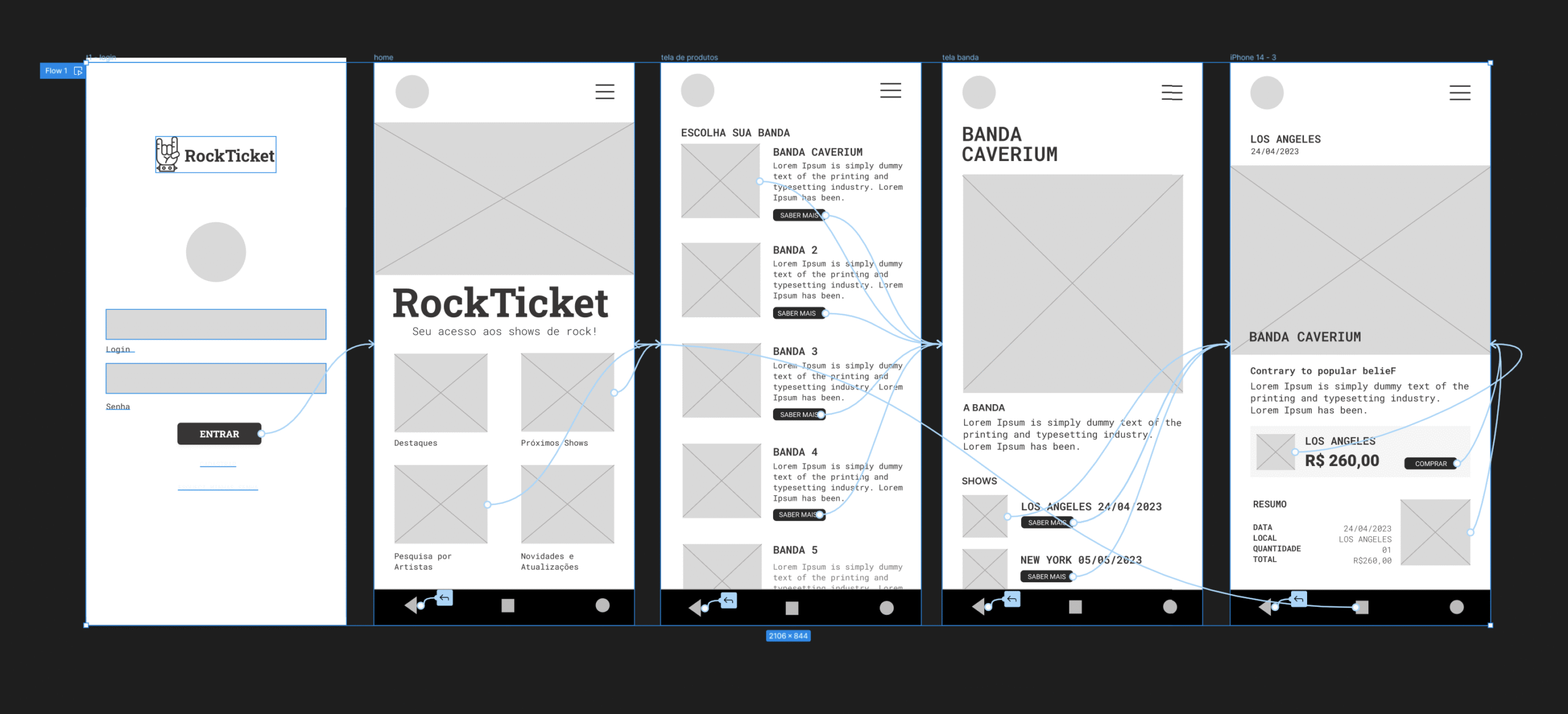
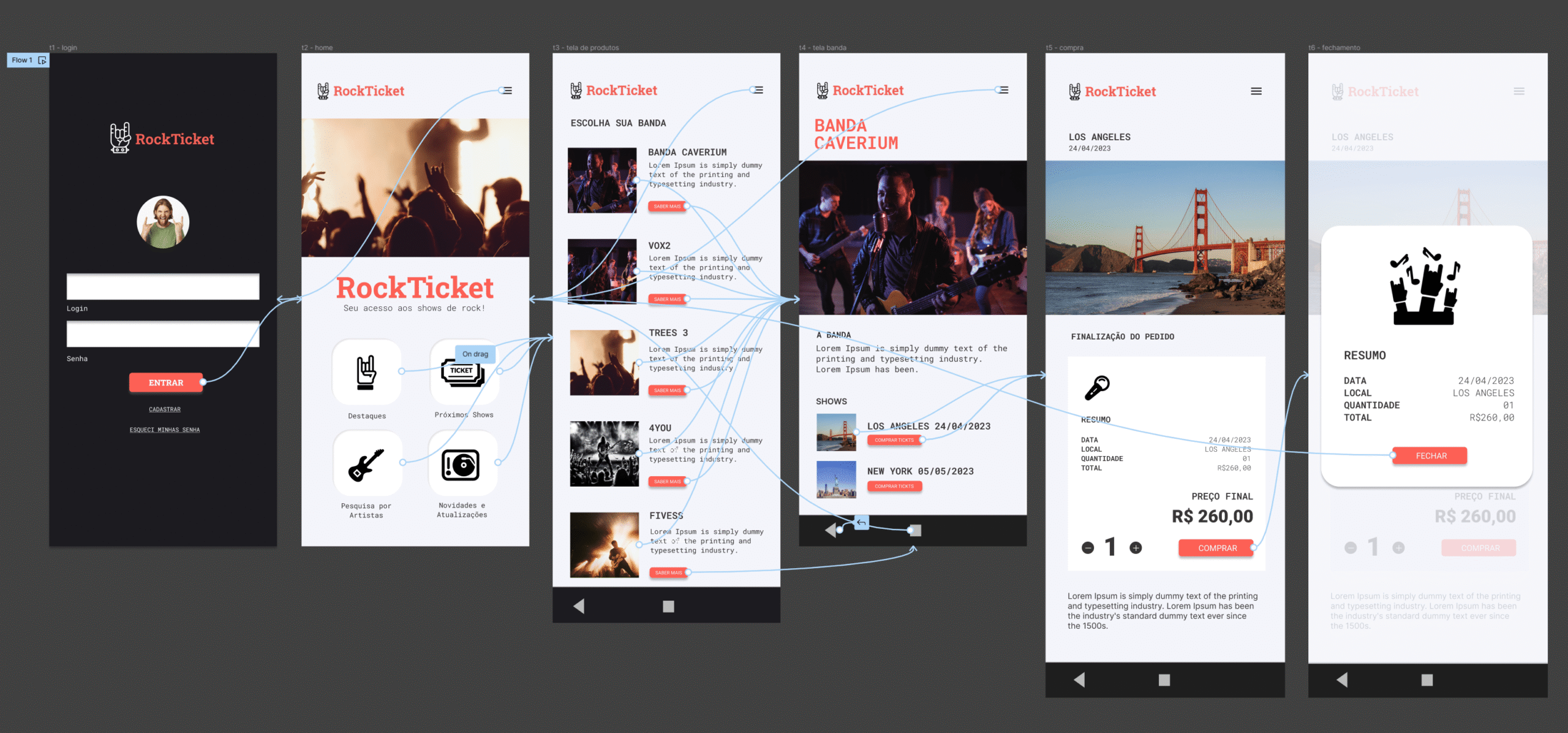
Low-fidelity prototype
High-fidelity prototype
08

Accessibility

Accessibility was part of the design from the start.

  • Readingreadable text and enough contrast for low vision
  • Navigationsimple and logical, for people with cognitive disabilities
  • Interactiongestures and alternatives for people with limited mobility
Accessibility considerations
09

Next steps

Rock Ticket stayed a Google UX Design Certificate project, completed at the high-fidelity prototype. The planned next steps were more rounds of usability testing and exploring augmented reality for previewing venues.

10

Takeaways

The studies showed that band information was still hard to find.

Talking with developers is part of the design work: the wireframes were already a way to align the product with the people who would build it.

Rock Ticket screens
Rock Ticket screens
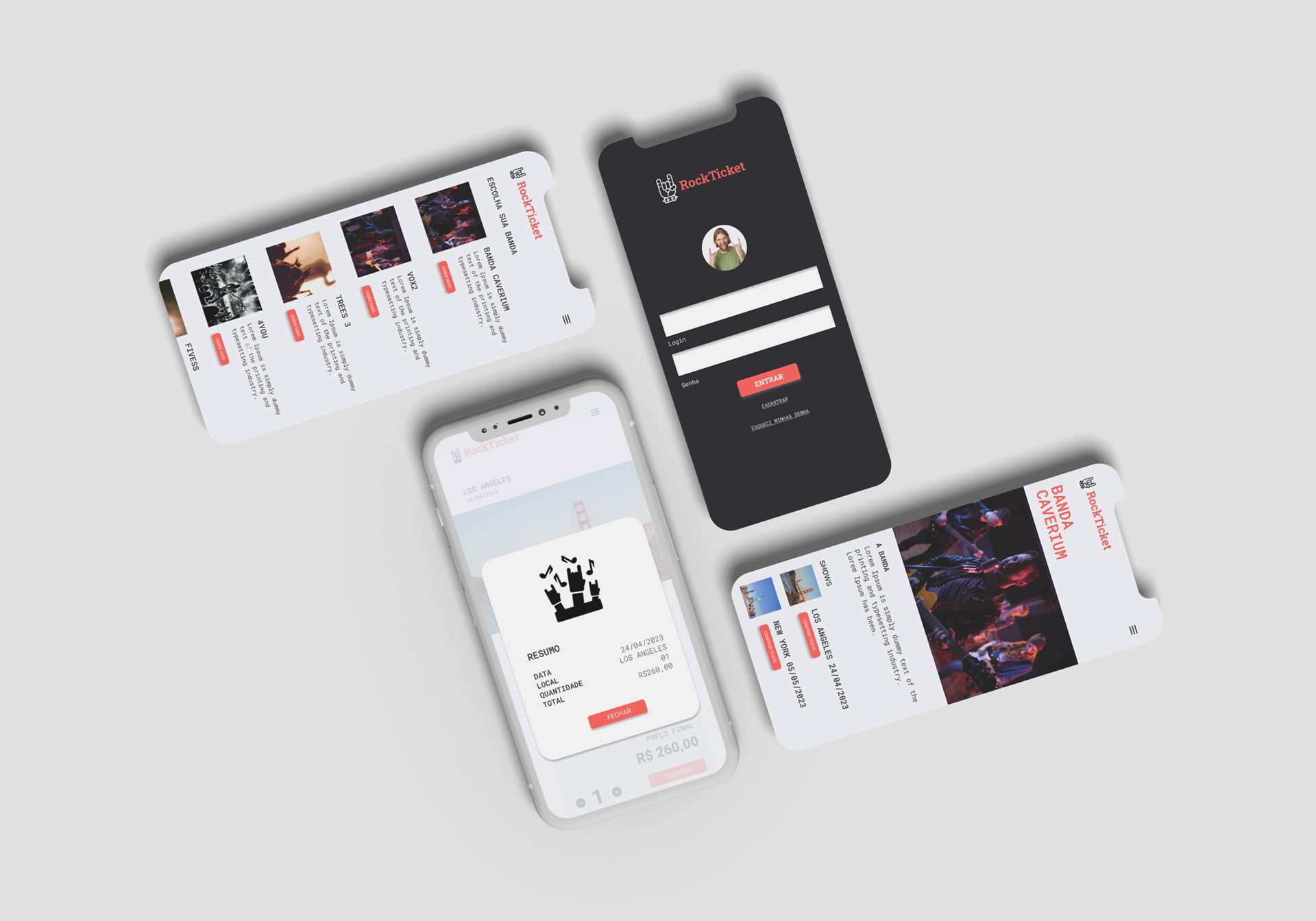
Screen templates
Screen templates
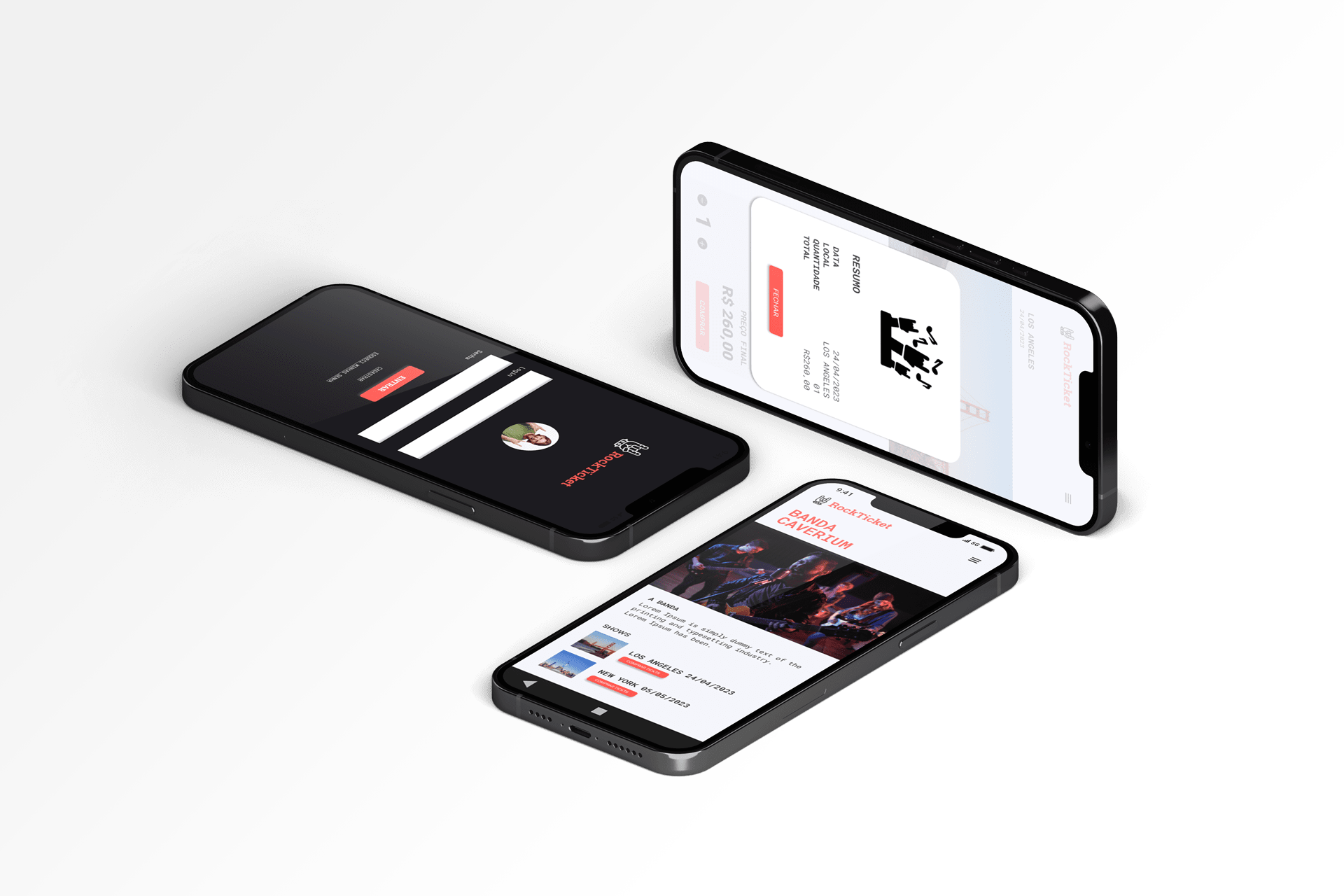
Prototype screens
Prototype screens